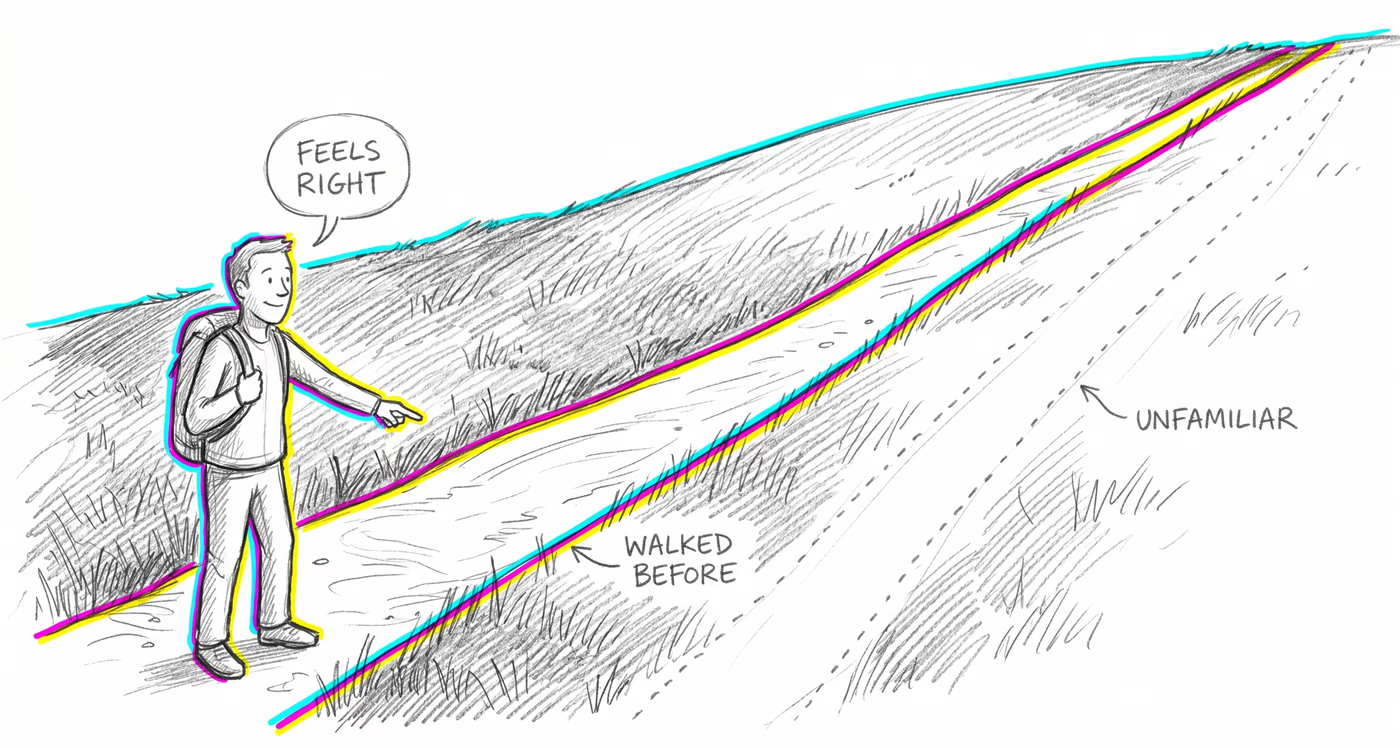
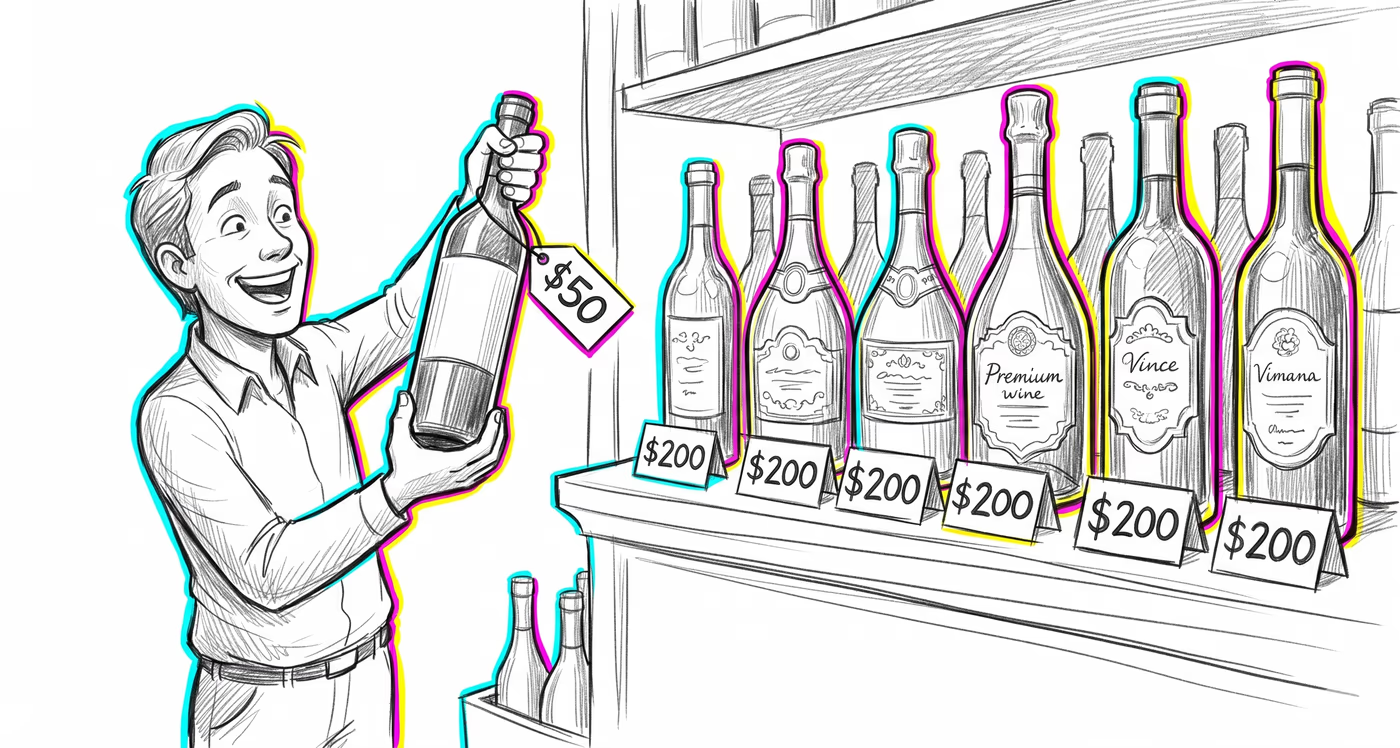
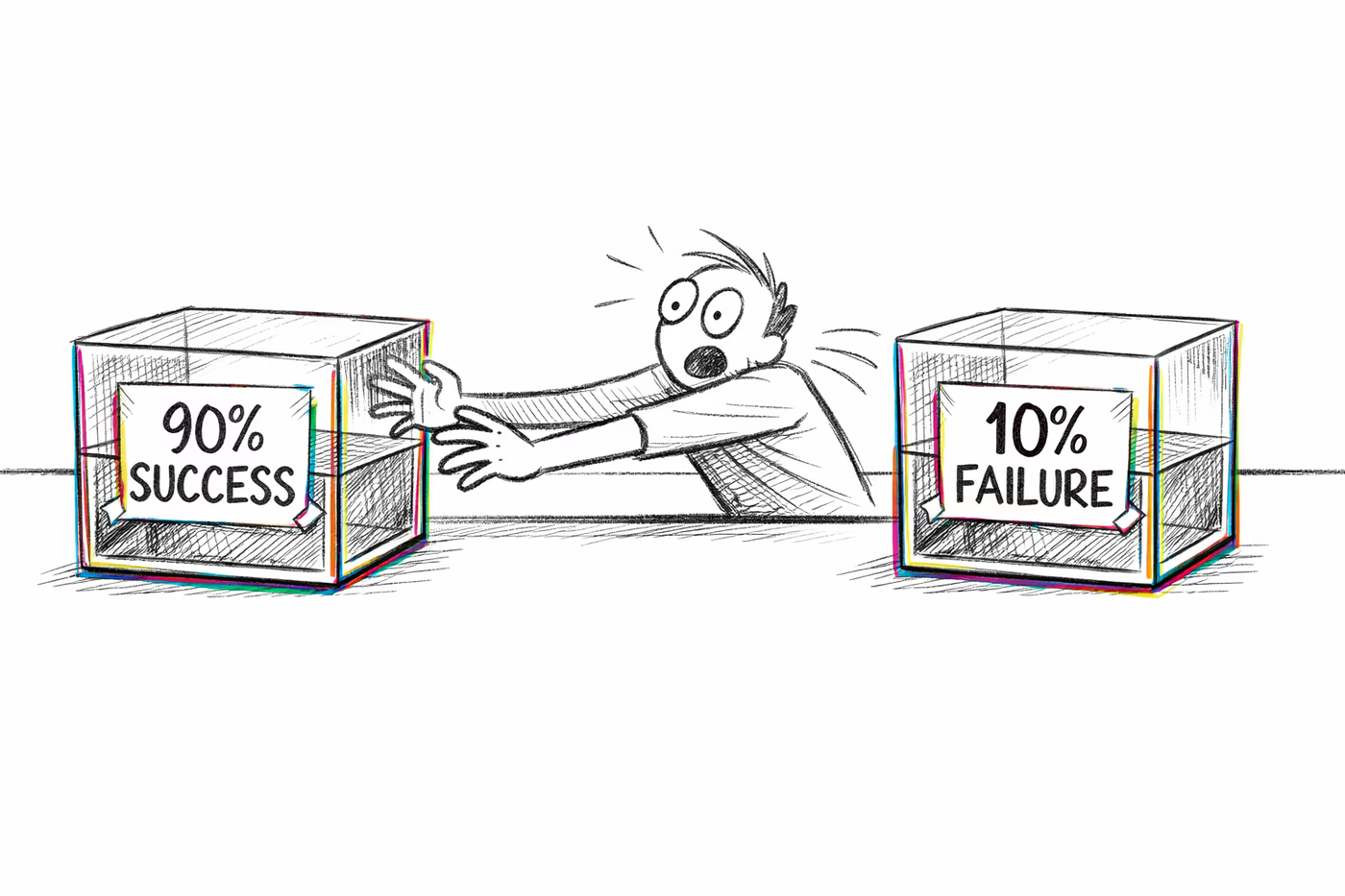
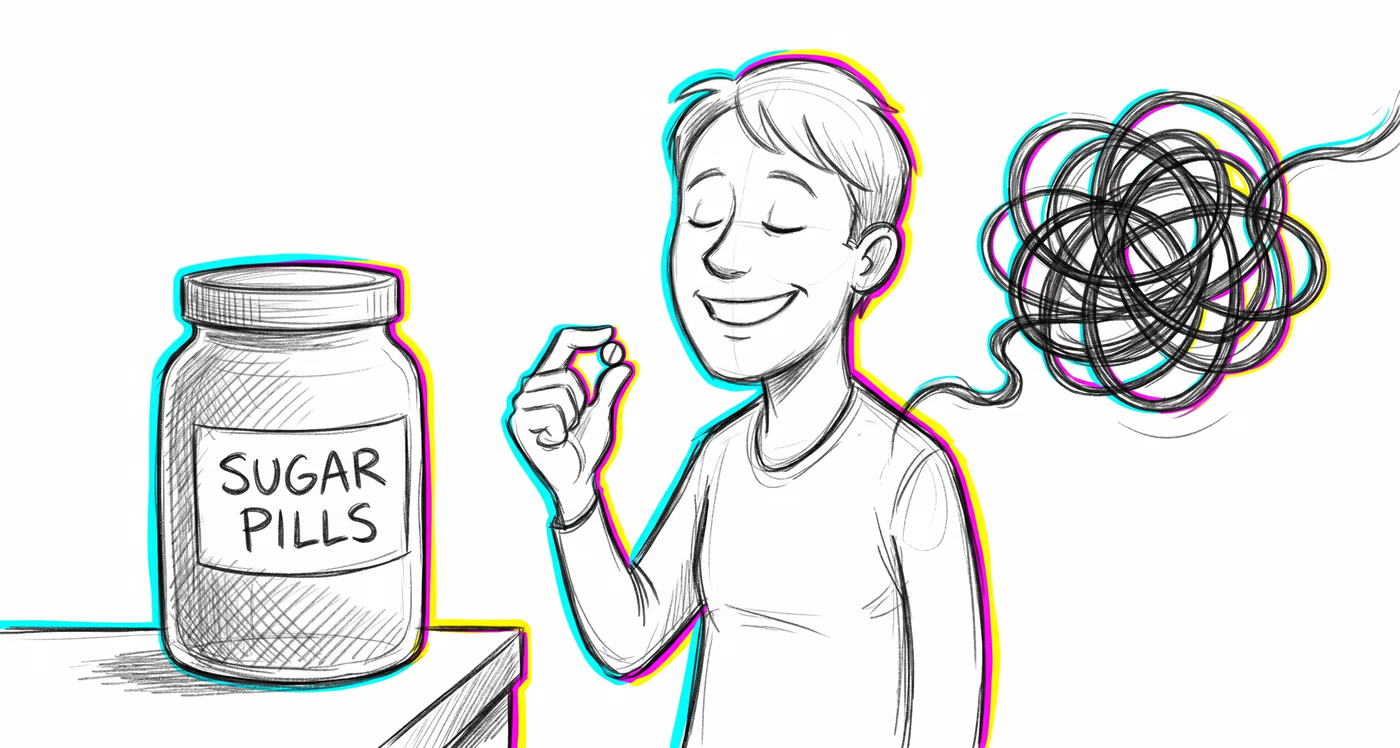
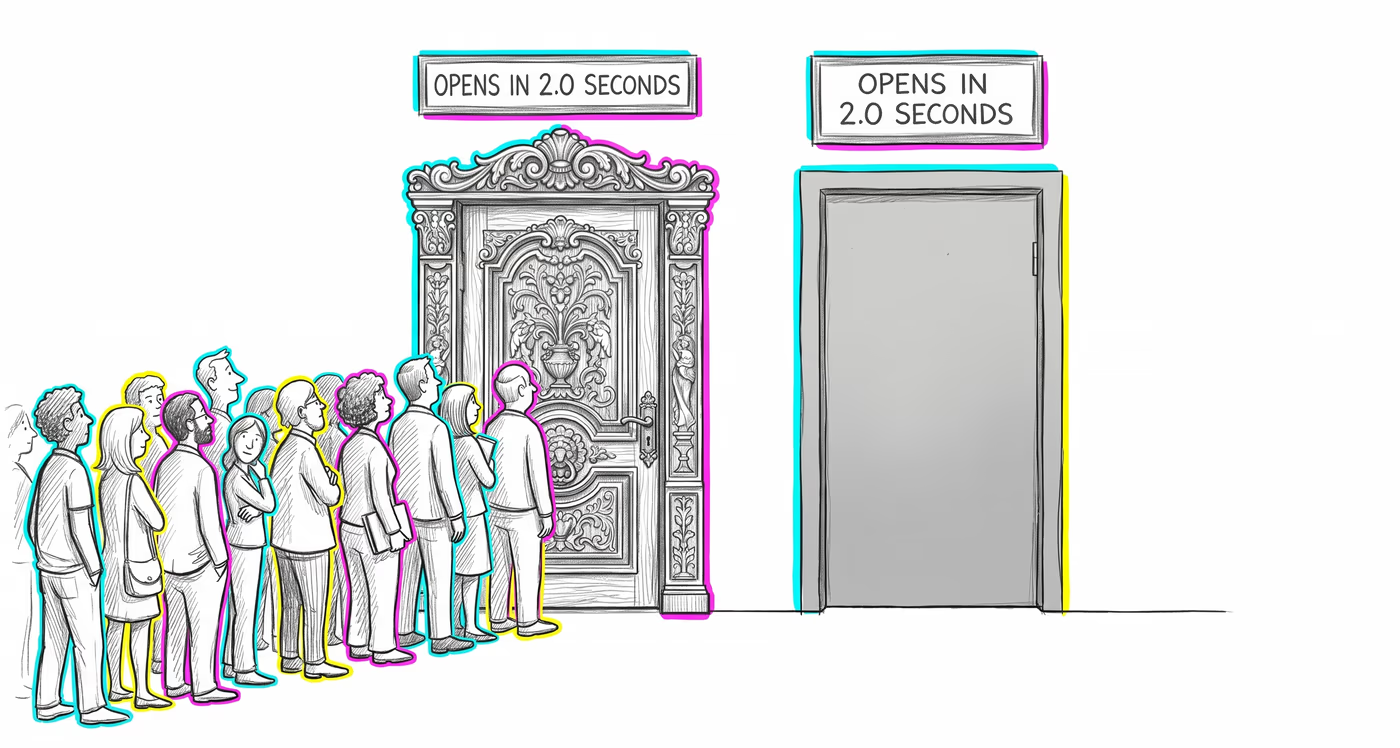
The same glitch looks different depending on the terrain. Finance, medicine, a
relationship, a team — same mechanism, different costume.
Finance & investing
Investors and retail banking customers tend to trust financial platforms with polished, modern interfaces more than functionally equivalent but visually outdated ones, leading them to overlook poor fee structures, slow transaction processing, or inadequate security features hidden behind attractive design.
Medicine & diagnosis
Patients may perceive a health app or patient portal as more reliable and trustworthy based on its visual design, potentially leading them to follow its guidance more uncritically. Clinicians evaluating electronic health record systems may favor attractive interfaces that actually slow down clinical workflows.
Education & grading
Students rate courses with beautifully designed learning platforms and presentation materials as higher quality, even when learning outcomes are equivalent to plainer alternatives. This can lead institutions to invest in visual polish over pedagogical effectiveness.
Relationships
People form stronger positive first impressions of individuals who present themselves in aesthetically pleasing ways — well-designed social media profiles, elegant personal branding — and attribute greater competence, trustworthiness, and warmth to them, sometimes overlooking substantive incompatibilities.
Tech & product
Product teams risk shipping visually polished interfaces that mask genuine usability problems, because aesthetic appeal suppresses negative feedback during usability testing. Designers may over-prioritize visual refinement over interaction design, and users tolerate broken features longer in beautiful apps.
Workplace & hiring
Candidates with beautifully formatted résumés and polished presentation slides are perceived as more competent. Internal tools with poor UX but attractive visual design receive fewer complaints, delaying critical improvements that would boost productivity.
Politics Media
News outlets, political campaigns, and government communications with high production values and professional visual design are perceived as more credible and trustworthy, even when the underlying content is no more accurate or substantive than plainly presented alternatives.